APKPure
APKPure quick access to update your apps and games without registration

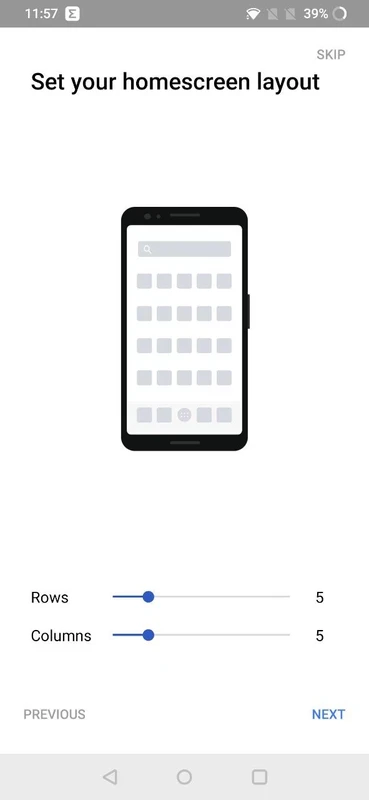
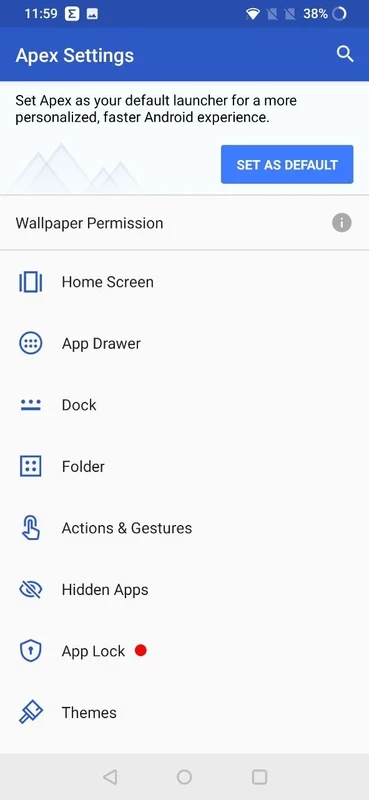
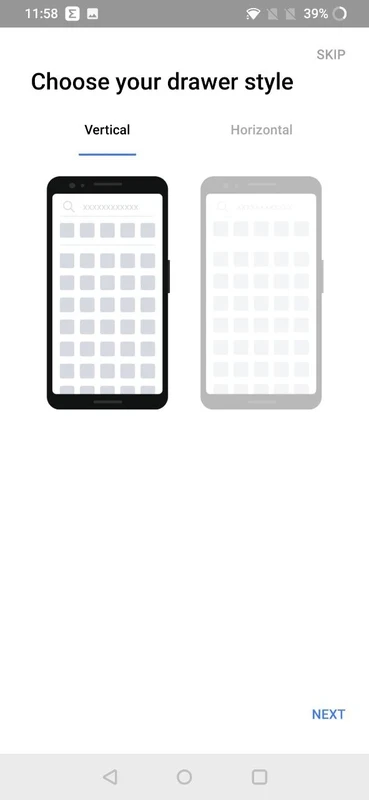
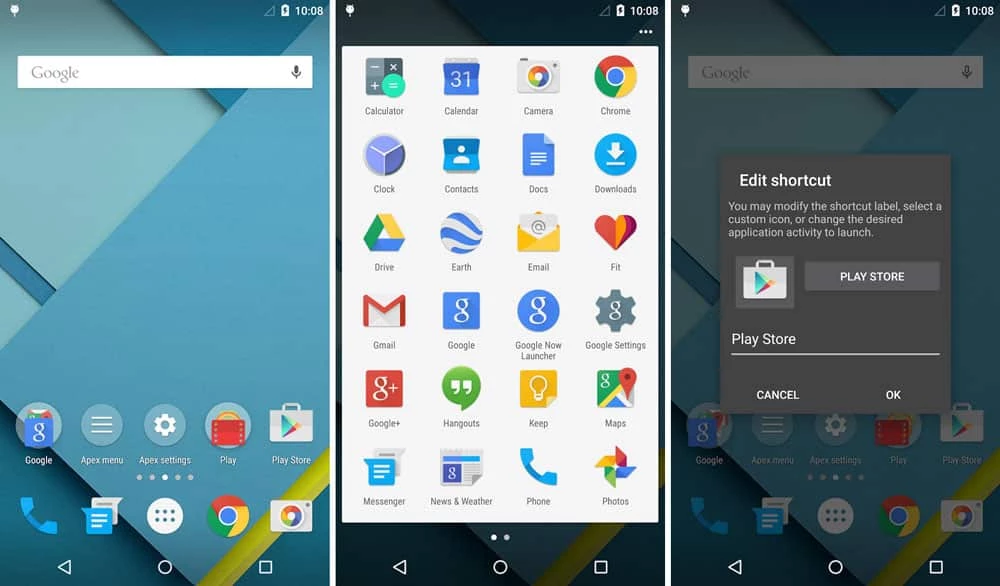
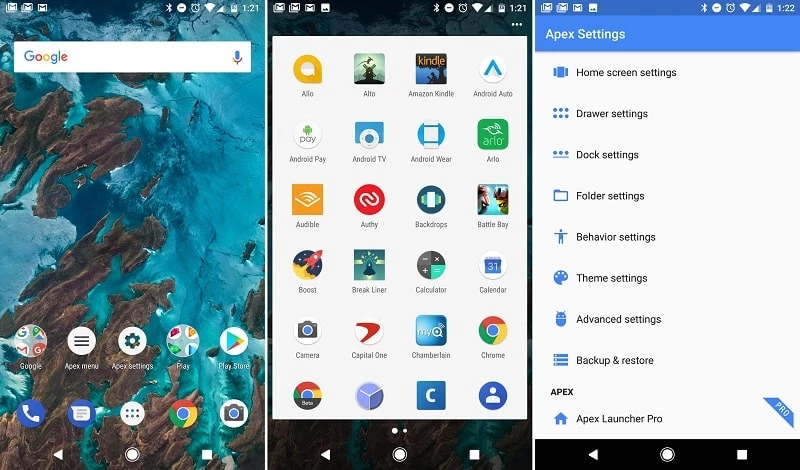
Apex Launcher is a powerful Android app used for enhancing the overall device usability while offering multiple innovative customization features. It enables users to tailor their devices according to their preferences and style. It makes it possible to take control of your Android device in your hand and manage the entire appearance and functionality.
You can easily declutter your phone as well as enhance the default layout. You also use multiple tools for organizing apps, changing styles, and easily controlling the appearance of each screen. It keeps your daily use clean while adjusting grids, applying themes, and managing folders.
Apex Launcher, developed by Android, falls under the Personalization category and is a comprehensive tool used for customizing icons and folders, organizing apps in different folders, and personalizing on-screen gestures. The enabling of additional modification for your phone screen is also possible.
The app is lightweight and has a user-friendly interface to offer a huge collection of themes, and allows you to rotate between 9 available customizable home screens. The app with flexible customization and improved performance allows users to completely control icons and shortcuts of your mobile home screen.
User interface offers flexible and infinite scrolling for the home screen as well as the app drawer to make your access and navigation across multiple screens quick and smooth. You can set the app as your default browser, so it will allow you to personalize your device according to your preferences, such as long-pressing an icon to create a folder and dragging it over another. Likewise, you can open a pop-up menu within long-press on labels and folders, and customize the menu. You can use lock functionality using the Device Administrator option, hide unwanted apps, and so on.
It is one of the basic functionalities to deal with home screen modifications, as most people want to make changes to the mobile layout. But it is difficult to rearrange the standard position of the mobile. The app makes it possible to move things around and change the entire screen.
Customization is one of the core features, as it helps to personalize your home screen and app drawer while offering multiple icon packs and themes. Multiple stylish transition effects offer an awesome visual experience to navigate through your device. Adjusting new grid sizes, renaming shortcuts, applying icon packs, selecting folder preview styles and backgrounds, and hiding the status bar or dock are the major customization functionalities that allow you to change the appearance of your device according to your preferences.
The innovative functionality allows you to enhance your privacy and security, and reliably protect your sensitive information. The flexibility of the App Lock feature allows users to select the option for locking their apps, such as password, pattern, and fingerprint, which is expected to be available within the coming updates. You can lock your desired apps, including messaging apps, gallery, and even your private photos or videos, from the gallery itself.
The comprehensive support for a powerful theme engine offers an extensive variety of icon packs and skins, and makes it possible to personalize your device according to your preference. You can download thousands of exciting themes right from the Play Store, and change the look and styles of your home screen within a single click to enjoy a new experience every day.
An efficient search option gives you quick access to your desired applications and other such material very swiftly. In addition, you can create a backup and restore your settings and data when you have to face data loss after a device change or updates. Organize and access your applications with the help of the scrollable dock-feature, as it has up to 10 icons per page with up to five pages.
It is one of the core features, as it allows you to clean your cluttered interface while hiding the unwanted, or the apps that are used for a minimum time. In this way, you can organize your interface and maintain its tidiness while minimizing distractions. Reliably create a streamlined app drawer and enjoy an efficient workflow.
You can use the app for free, but only with basic features. If you need some additional functionality such as enhanced customization options, unread count notifications, advanced widget management, more gesture options, and so on, you have to move to the Pro version that is available in two options; three month and a lifetime package.
Pros
Cons

APKPure quick access to update your apps and games without registration

vnROM BYPASS FRP GOOGLE ACCOUNT from your Android device

Aptoide APK provides limitless apps to install and share

Download Google Play Store APK for Android and enjoy your favorite Android apps or games on your mobile devices

FRP Bypass is a free tool used for bypassing the Google lock, screen lock, and factory reset.

InstaUp automates your Instagram followers free of charge